

ADVERTISEMENT
Did you know about 93% of how we communicate is through non-verbal signals? Lighting is key in showing those signals on video calls. In our world of working from home, good lighting changes how people see you. It makes you look professional and engaging on camera. This guide will show you the best lighting for video calls. You’ll learn top tips, what equipment to use, and how to set up your lighting right.
Key Takeaways
- Good lighting enhances your presence in virtual meetings.
- Improper lighting can lead to misunderstandings and a lack of engagement.
- There are various types of lighting setups for effective video conferencing.
- Choosing the right location can make a big difference in your lighting quality.
- Consistent lighting is vital for maintaining a professional image.
- Utilizing reflectors and layering can enhance your final look.
Importance of Good Lighting in Video Calls
Good lighting can really improve your video calls. It ensures your image is clear, helping you connect better with people. Being well-lit keeps attention on you, not on shadows or bad backgrounds. This can make you seem more present in meetings.
Why Lighting Matters for Your Image
Lighting affects how people see you online. Bright and even light shows you’re professional and focused. If you look good, people are more likely to take you seriously. This is very important for job interviews or big meetings.
The Impact of Lighting on Audience Perception
Lighting does more than help people see you. It shapes how others feel about your mood and how professional you are. Good lighting makes everyone feel welcome. But poor lighting can make you seem less professional. Using the right lighting tips can make a big difference.
Common Lighting Mistakes to Avoid
Avoiding lighting mistakes is key for a good image. Many people mess up by using just one light from above. This can cause bad shadows on your face. It’s better to use several lights to look your best. Knowing these tips can really improve how you come across on video.

Types of Lighting for Video Calls
Light makes a big difference in video call quality. Knowing the types of lighting can help make videos clearer. You can choose between natural and artificial light, each with good and bad points. The right lighting setup makes you look better in online meetings.
Natural Light vs. Artificial Light
Natural light makes videos look good because it’s soft and nice. Placing yourself near a window can give good light. But, natural light changes during the day. Artificial light, like LED lights, is more constant. You can change it to work well in any room, keeping your lighting stable.
Key Light, Fill Light, and Backlight Explained
For great lighting, know about key light, fill light, and backlight. Key light brightens your face. Fill light reduces shadows from the key light. Backlight makes you stand out from the background. Using all three makes your video calls look more professional.
Using Ring Lights Effectively
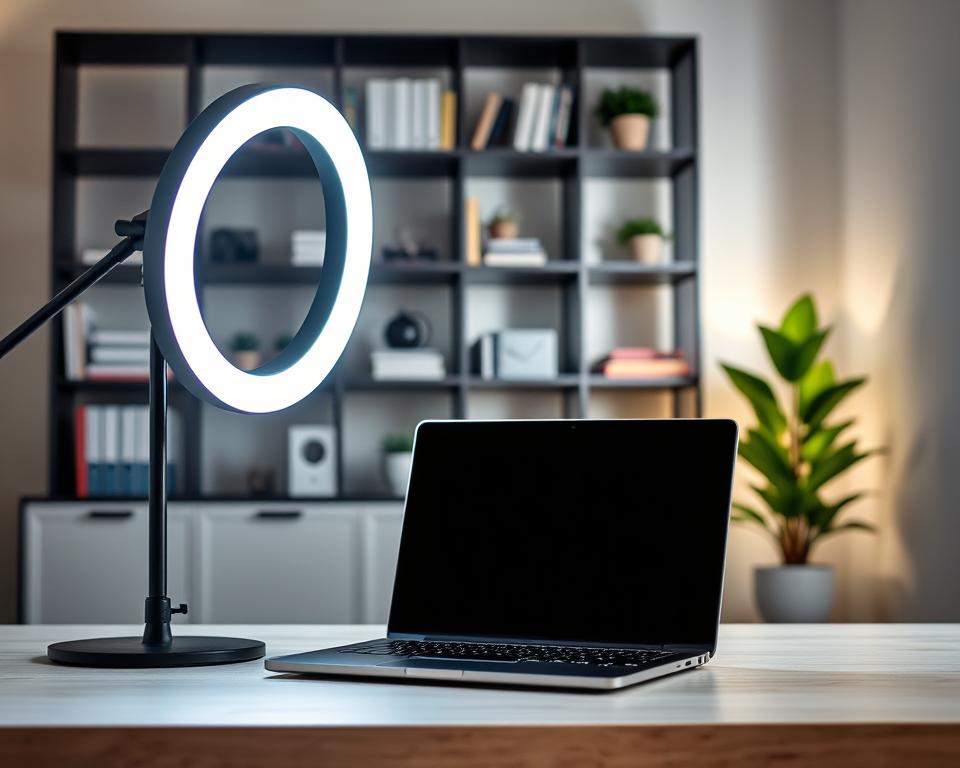
Ring lights are popular for video calls. They light up your face evenly, reducing shadows. Put a ring light at eye level for the best effect. It makes you look good on any video call. This way, you look natural when talking to people online.
Setting Up Your Lighting Environment
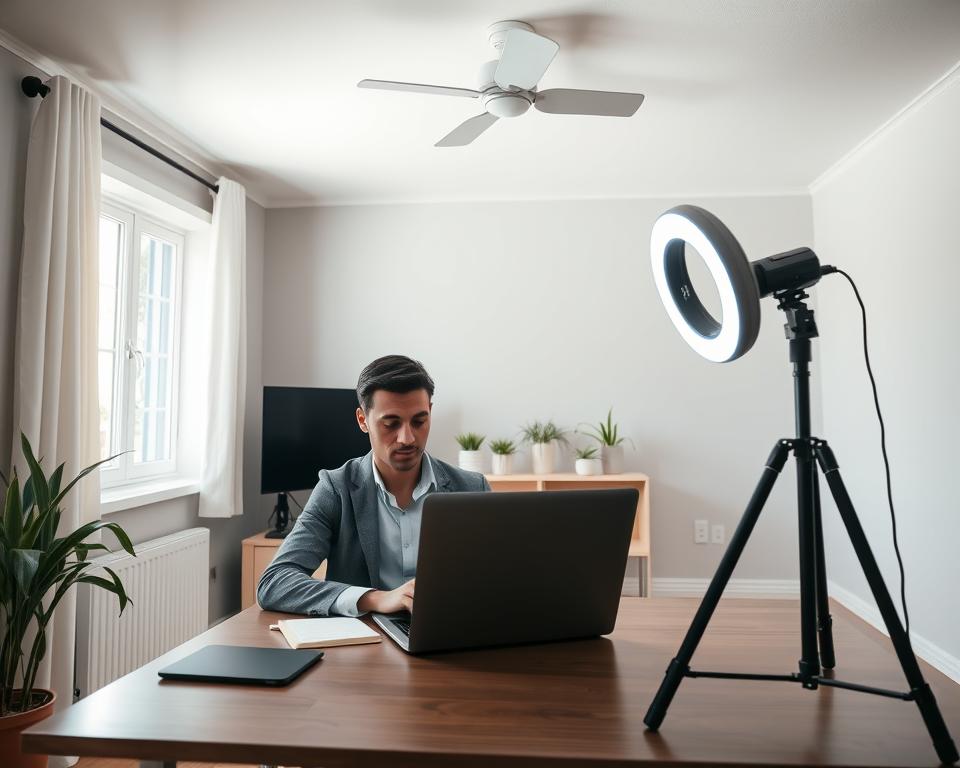
Creating the right lighting setup makes a big difference in video calls. It can make you look better, enhance your connection, and show your professionalism. Choosing the right place, finding the best angles, and setting up your lights correctly will help you look clear and welcoming.
Choosing the Best Location for Video Calls
Finding the perfect spot for your calls is key. Look for places with lots of natural light for a soft, flattering effect. Stay away from areas with strong shadows or too much background light. A well-lit room helps keep the focus and calm, making communication better.
Angle and Positioning of Your Lights
Getting the angle and position of your lights right is crucial for good lighting. Point your main light slightly down and straight at you. This lights up your face nicely while keeping shadows away. Adding more lights around can bring out depth and look more professional. This reduces shadows and cuts down on glare.
Minimizing Shadows and Glares
To look your best, keep shadows off your face during calls. Don’t use bright overhead lights; they create harsh shadows. Use diffusers to make the light softer and lessen glare. This makes the lighting even and friendly. A few smart changes can really improve your video lighting, making your presence more engaging.
Essential Equipment for Video Call Lighting
Choosing the right lighting gear can make a huge difference in how you look online. It’s vital for professionals who need to impress and for anyone who wants clearer video calls. We’ll talk about great lighting products, affordable options, and DIY tricks to improve your video chats.
Recommended Lighting Gear for Professionals
Quality lighting is crucial for that studio look. The Lume Cube Video Conference Lighting Kit adjusts in brightness and color, fitting many settings. Desk lights and ring lights are also good for making you look your best on camera.
Budget-Friendly Lighting Options
You don’t have to spend a lot for good lighting. Affordable options like USB-powered lights and smart LED bulbs work well. They’re bright, controlled by smartphones, and won’t empty your wallet.
DIY Solutions for Better Lighting
Prefer to do it yourself? Try tweaking your lamps with different bulbs. Or, use a white sheet to soften light and enhance video quality. With these simple changes, anyone can get better lighting, even from home.
| Lighting Equipment | Price Range | Features |
|---|---|---|
| Lume Cube Video Lighting Kit | $70-$100 | Adjustable brightness, portable |
| USB-Powered LED Lights | $20-$40 | Color adjustable, compact |
| Smart LED Bulbs | $15-$30 | Phone-controlled, energy-efficient |
| DIY Lamp Solutions | Varies | Customizable light settings |
Color Temperature and Its Impact
Learning about color temperature can really up your video call game. It’s measured in Kelvin and is key to how you look on camera. Different temperatures can set different moods and feelings. Knowing this can help you nail the perfect look for your online meetings.
Understanding Kelvin and Its Effects
Color temperature ranges from a warm 2700K to a cool 5000K and beyond. Think of an incandescent bulb’s cozy glow versus daylight’s clear, bright light. The color temperature can deeply influence how professional and authoritative you appear to your audience.
Warm vs. Cool Light: What to Choose
Choosing between warm and cool light depends on your skin tone and the meeting’s vibe. Warm light is great for a friendly, casual feel. Cool light, on the other hand, looks more professional. Picking the right light can majorly boost your presentation.
Adjusting White Balance on Your Camera
Getting the colors right means adjusting your camera’s white balance. Every light source has its own temperature, which can mess with how colors look. Tweak your camera to match your light source. This keeps your look consistent and professional during video calls.
Additional Tips for Enhanced Lighting
Small changes can make your video call lighting much better. Techniques like using reflectors and adding layers of lights can improve your look. You should also adjust your lights as the day goes on, to keep video quality high no matter the natural light.
Using Reflectors to Enhance Lighting
Reflectors help in two ways. They bounce light to your face, reducing shadows for even light. You can use something like a white board or buy a special reflector to improve your lighting. This will make you look better and make your videos look more professional.
Layering Lights for Dynamic Effects
Adding different lights can make your videos look better. You can use key lights, fill lights, and accent lights for a professional look. Try different light strengths and positions to see what looks best in your space.
Adjusting Lighting for Different Times of Day
The sun changes position, so you must change your lighting to match. Light quality changes with the time of day. By understanding this, you can make sure your videos always look good, whether it’s bright or dark outside.
Testing Your Lighting Setup
Testing your lighting setup is key to making your video calls look professional. A well-lit space makes you look clearer and better. Doing tests helps find any issues, like shadows or glares, that could distract people watching.
Quick Ways to Assess Your Lighting
Start by standing in front of your camera to see how you appear. Change the light’s brightness and where it’s positioned as needed. You can also use your phone or webcam to record yourself. This lets you see the lighting on screen and make fast tweaks for better results.
Tools for Testing Video Quality
Tools like OBS Studio or Zoom’s video preview can improve your video setup. They provide real-time feedback on your image’s color balance and clarity. Using such tools ensures your lighting is just right before any call.
Getting Feedback from Colleagues
Asking colleagues for their opinion is also smart. Have them review your lighting during a test call. They might spot things you missed, helping you fix any issues.
Maintaining Consistent Lighting
In video conferencing, consistent lighting makes you look professional. Keeping the same lighting setup in all calls shows you’re reliable. Pick a spot for your calls to get your lighting right every time.
Techniques for Consistency Across Calls
For consistent lighting, remember these tips:
- Always use the same light sources and positioning to keep visual elements constant.
- Adjust light levels based on the time of day to prevent fluctuations in brightness.
- Utilize softboxes or diffusers to create a uniform light effect, minimizing harsh contrasts.
Troubleshooting Common Lighting Issues
You might still face some lighting problems, even with a good setup. Common issues include:
- Fluctuating brightness, which can distract your audience. Adjust settings to stabilize levels.
- Color imbalances that can change your appearance. Ensure that your lights have a consistent color temperature.
Regular Equipment Checks
It’s vital to keep your lighting equipment in check for the best performance. Make a checklist for equipment review before meetings:
- Inspect bulbs for any flickering or burns.
- Clean lenses and reflectors to maximize light efficiency.
- Check cords and connections to avoid unexpected outages.
Case Studies: Success Stories
Many professionals have made their video calls better with creative lighting. Influencers and businesses have found ways to solve lighting problems. They show how the right lights can make video calls look professional. These stories offer lessons for anyone wanting to improve their virtual meetings.
How Professionals Transformed Their Video Calls
Various professionals have made their video calls better using new lighting solutions. Teachers have used sunlight to make their online classes feel welcoming. Law offices now use soft lighting to make their clients feel comfortable during video calls. These examples show that good lighting is key for clear and engaging online communication.
Lighting Setup from Influencers and Streamers
Influencers and streamers have raised the bar with their lighting setups. They often use ring lights and colorful LEDs to attract viewers. For example, many YouTubers change lighting to improve their videos. They prove that the right lighting not only enhances videos but also helps build personal brands.
Lessons Learned from Corporate Video Meetings
Video meetings in the corporate world have shown the need for good lighting. Some companies fixed their lighting to stop shadows and glare. With the right lighting, everyone looks better and feels more confident. These stories underline the value of consistent, good lighting for professionalism in video calls.
The Future of Video Call Lighting
The world of online chat is always changing. The future of lighting looks bright, focusing on smart, adjustable solutions. We’ll see LED bulbs that change color and lights that adjust themselves. These innovations will help us look our best online. They will also make online meetings better for everyone.
Trends in Virtual Communication
More people are working from home, changing how we use video calls. Lighting will soon match the feel of meetings, making them more real. This matters for both serious talks and relaxed chats. Good lighting will help us connect more with our teams.
Integrating Smart Lighting Solutions
Smart lighting makes workspaces look and work better. You can control these lights with apps or voice commands. This tech lets you set perfect lighting for any video call. You can adjust light levels or colors however you like. It opens up endless possibilities for custom video call backgrounds.
Sustainable Lighting Options for Media Professionals
Sustainability is key in choosing lighting now. People in the media are picking green options, like efficient LEDs and solar lights. Picking these helps the planet and impresses viewers who care about the environment. This change shows how crucial eco-friendly lighting is in today’s world.




