

ADVERTISEMENT
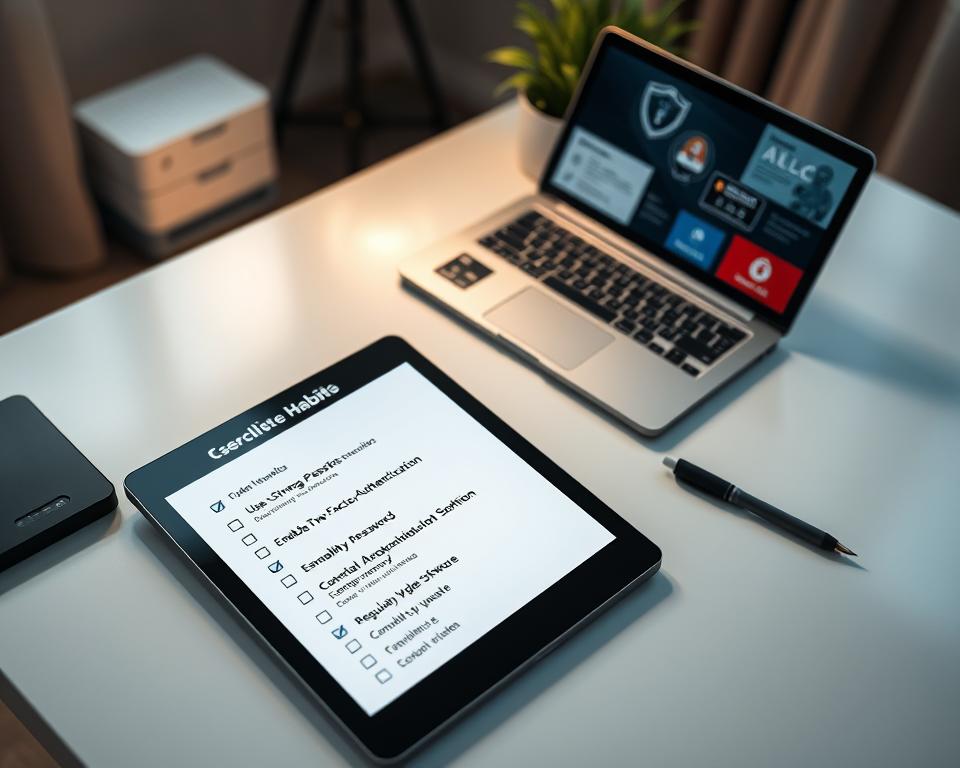
Did you know that 43% of cyber attacks go after small businesses? Our daily lives are deeply intertwined with the digital world now. This makes having a strong checklist for cybersecurity habits super important.
As dangers in the cyber world grow every day, this list is key for people wanting to keep their online accounts safe. It helps protect private information from the constantly changing threats on the internet. By adopting good online security habits, we do more than just protect ourselves; we also become more aware and boost our personal cybersecurity.
Key Takeaways
- Almost half of all cyber attacks specifically target small businesses.
- A robust cybersecurity habits checklist is essential for everyone.
- Understanding cyber threats helps in mitigating risks effectively.
- Implementing strong passwords contributes significantly to online safety.
- Regular software updates can protect against vulnerabilities.
- Being aware of phishing attacks is crucial for defense.
Why Cybersecurity is Essential in Today’s Digital World
The way we use the internet is changing fast, and so are the risks. Today, there’s a lot more sensitive info online. This means both people and organizations face bigger risks. Keeping our digital life safe is a must, not a maybe, for a safer online world.
The Rise of Cyber Threats
Cyber threats have grown more severe and complex. What used to be simple hacks have become clever tricks to break into systems and steal data. Things like ransomware, phishing, and data breaches are big problems. Knowing about these threats is key to keeping our online world safe.
Understanding the Risks
Knowing the risks is where safety starts. Cyber attacks can ruin your finances, steal your identity, and harm your or your company’s good name. Getting how these risks work is the first step to take strong safety steps online.
The Importance of Cyber Hygiene
Keeping your digital space clean is crucial. Doing things like updating software, choosing strong passwords, and being careful online are top safety moves. These steps lower risks and build stronger defenses against attacks.
Creating Strong Passwords
Creating strong passwords is key to good online security. Weak passwords leave accounts open to attacks. This can lead to serious issues. By following tips for good cybersecurity, you can keep your personal info safe. These steps also help avoid unwanted access to your accounts.
Tips for Crafting Passwords
- Utilize a mix of upper and lower case letters, numbers, and symbols.
- Avoid using easily guessed information, such as birthdays or names.
- Design unique passwords for each account to enhance security.
- Consider using lengthy passwords, as longer combinations are tougher to crack.
- Update passwords regularly to maintain account security.
Tools to Manage Passwords
Password managers help create and keep strong passwords safe. These tools make it easy, so you won’t need to remember hard combinations. Options like LastPass, Dashlane, and Bitwarden offer great features.
| Feature | LastPass | Dashlane | Bitwarden |
|---|---|---|---|
| Multi-Device Sync | Yes | Yes | Yes |
| Password Generation | Yes | Yes | Yes |
| Storage for Secure Notes | Yes | Yes | Yes |
| Security Audit | Yes | Yes | Yes |
| Free Version Available | Yes | No | Yes |
The Role of Multi-Factor Authentication
Multi-Factor Authentication (MFA) adds a security layer that’s more than just passwords. It greatly improves security. MFA needs more than one proof of identity to access accounts. This can include text messages, email checks, or apps. It makes it harder for the wrong people to get in.
Recognizing Phishing Attacks
Phishing attacks are a big risk for both people and groups. They trick you into giving away your personal info. Knowing how to spot these tricks can protect you from cyber threats. This means understanding the warning signs and knowing examples of these scams.
Common Signs of Phishing Emails
To spot a phishing scam, watch for certain clues. These include:
- Generic Greetings: Phishing emails often say “Dear Customer” instead of your name.
- Urgent Requests: They rush you, saying you must act now or else.
- Suspicious Links: If you hover over links, they might look weird and not match the real site.
- Unusual Attachments: Strange files could be bad news, possibly hiding viruses.
Examples of Phishing Scams
Many phishing scams are quite sneaky. Here are some common types:
| Example | Description |
|---|---|
| Email Spoofing | Emails look like they’re from real companies you trust, like your bank or a big store. |
| Social Media Phishing | Scammers post fake stuff or send messages on sites like Facebook, asking for your private info. |
| Tech Support Scams | They pretend to be tech help, trying to get into your computer with a call or email. |
How to Report Phishing Attempts
If you run into a phishing try, you should report it quick to stop others from being tricked. It’s important to tell the right people through the right channels. Companies usually have a special email or a form online for these reports. When you report, give all the details you can, like the suspicious email or website link.
Keeping Software Up-to-Date
Updating software regularly is key for strong IT security. Updates not just add new features, but fix security holes hackers love to use. When apps are old, they can let in cyber threats. So, keeping up with updates is very important.
Importance of Regular Updates
Updating software is crucial for better device performance and cybersecurity. If you keep your software up-to-date, you’re safer from new security risks. Even though updating might feel like a hassle, it makes you far less likely to face cyber attacks. Adding these updates to your cybersecurity plan helps protect important info.
How to Enable Automatic Updates
Turning on automatic updates means your software stays current with no effort from you. Most systems and apps let you update automatically. Here’s how to set it up:
- Go into your device’s system settings.
- Find the ‘Updates’ section.
- Choose automatic updates.
With this setting, you don’t have to worry. Your software updates itself, making life easier.
Identifying Outdated Software
Knowing which software is old is part of good IT security. Regularly check your devices for updates by:
- Looking over apps and programs you have installed.
- Using update features built into software, or get a third-party scanner.
- Visiting official websites of software makers for new versions.
This helps you know which apps need updates, keeping your cyber defense strong.
Safe Browsing Practices
It’s really important to have safe browsing habits. These habits help keep your personal info and privacy safe. Staying secure online makes your internet use much safer.
Secure Browsing Habits
Make sure websites you visit are secure. Check if URLs start with HTTPS. This means your browser and the website are talking in a secret code. Don’t put personal info on sites without this security. Also, be careful about sharing personal details, especially on new websites. It could put your online safety at risk.
Using a VPN for Online Security
Using a Virtual Private Network (VPN) boosts your online safety. A VPN hides your internet activity, which is super helpful on public Wi-Fi. It keeps hackers and snoopers away. A VPN is a must-have for staying safe online.
Recognizing Secure Websites
Knowing which websites are safe is key to a better online experience. Look for a lock icon in the address bar. It shows a website is secure. Notice how real websites look. They usually have a consistent style and look professional. By spotting these features, you can surf the web more safely.
Understanding Wi-Fi Security
Keeping your personal info safe in our digital world is super important. That means carefully picking Wi-Fi networks and understanding the dangers of public internet spots. It also means boosting the security at home to keep your devices and data safe.
Choosing Safe Networks
Always check a Wi-Fi network’s safety before you connect. Stick to those with passwords and use the latest security like WPA3. Stay away from networks that don’t have a secure password or seem poorly protected.
Risks of Public Wi-Fi
Public Wi-Fi can be risky, as it opens doors for hackers. They could intercept your data or launch attacks, putting your personal info at risk. Knowing about these dangers helps you make smarter choices when you’re online away from home.
Enhancing Home Wi-Fi Security
To make your home internet safer, start with these steps. Update your router’s software to fight off hackers. Use strong, unique passwords for your Wi-Fi. And turn off any features you don’t need, like remote management, to reduce risks.
The Importance of Regular Backups
Backing up data is essential to protect important information. Loss can happen due to tech failures or cyber attacks. A good backup plan is part of a strong cyber safety routine.
How to Back Up Your Data
There are simple ways to back up your files. Consider these options:
- Use cloud services like Google Drive or Dropbox for easy use and sharing.
- Use external hard drives for keeping data nearby, even offline.
- Try automatic backup tools that save files regularly without you doing anything.
Best Backup Solutions
Choose the best backup option for top-notch safety:
| Backup Solution | Type | Pros | Cons |
|---|---|---|---|
| Google Drive | Cloud | Accessible from anywhere, user-friendly interface. | Requires internet for access. |
| Dropbox | Cloud | File syncing capabilities, easy collaboration. | Limited free storage space. |
| External Hard Drive | Local | Fast access speeds, one-time purchase. | Physical damage can lead to loss. |
| Backblaze | Cloud | Unlimited storage, easy automated backups. | Monthly subscription fee. |
Setting a Backup Schedule
It’s important to back up your data regularly. Try to do it weekly to avoid big losses. Adjust how often you do this based on how much new stuff you make. Updating your backup plan helps keep your data safe.
Social Media Security Tips
Nowadays, social media is a big part of our lives. We share a lot of personal stuff online. So, it’s key to keep our social media use safe. Starting with adjusting privacy settings and careful sharing is a good first step.
Adjusting Privacy Settings
Social media sites let you control who sees your stuff through privacy settings. It’s smart to check and change these settings. This way, only people you trust can see your posts or send friend requests. Good privacy settings make your social media safer.
Avoiding Oversharing
Sharing too much can be risky. It might attract cybercriminals. Be careful with information like where you are or your plans. Think before you post to avoid giving bad guys a chance. Being careful about what you share helps keep you safe from scams.
Recognizing Scams on Social Media
Online scams are everywhere. Fake ads and phishing messages try to trick you. Knowing how to spot these scams protects you. Check messages from people you don’t know and stay away from odd links. Learning about scams can help you avoid them.
Educating Yourself and Others
Learning about cybersecurity is crucial for online safety. Knowing about cybersecurity helps people spot dangers and take steps to avoid them. Using different resources can improve security skills for beginners and experts alike.
Resources for Learning about Cybersecurity
Many resources are available for those wanting to know more about cybersecurity. You might want to check out:
- Online courses from platforms like Coursera and Udemy
- Blogs such as Krebs on Security and the SANS Internet Storm Center
- Webinars and workshops hosted by industry experts
- Books and publications on the latest in cybersecurity
Discussing Cybersecurity with Family
Talking about cybersecurity at home raises awareness. You can cover safe online habits and share stories of online threats. Regular chats help everyone understand the importance of being careful online.
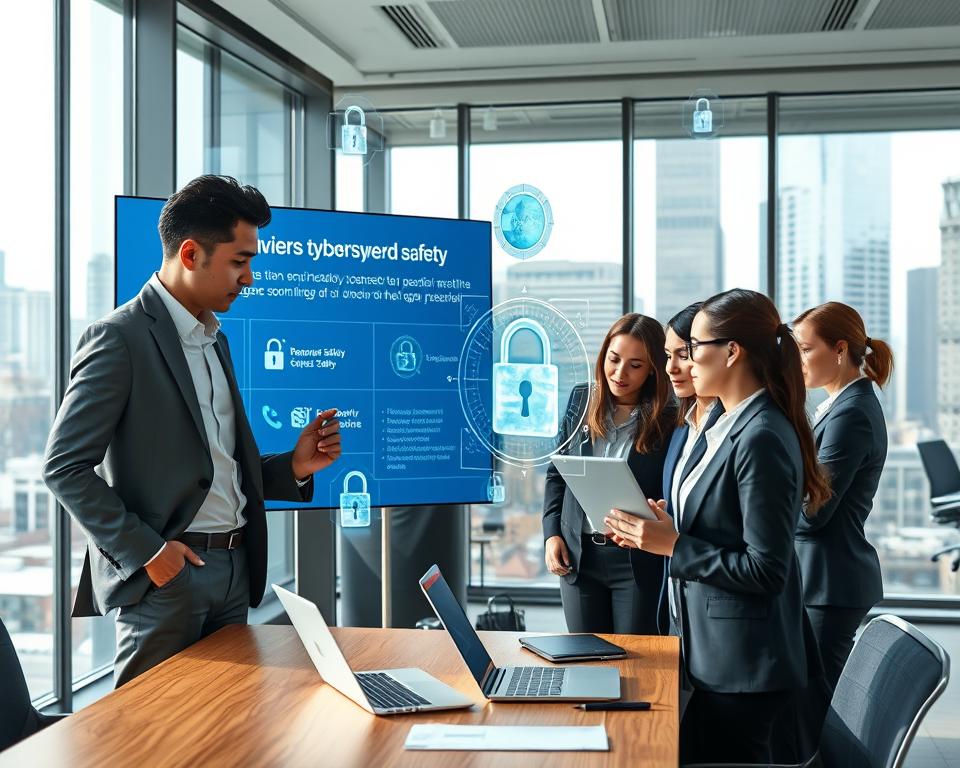
Sharing Knowledge in the Workplace
Teaching about cybersecurity at work helps protect against attacks. To spread the knowledge, you could:
- Organize lunch-and-learns on important topics
- Encourage sharing of good security practices
- Provide ongoing training
- Set up a spot for cybersecurity materials
Reviewing Your Cybersecurity Practices
The tech world moves fast, so it’s key to check your cybersecurity often. Doing regular security audits can reveal weak spots in your personal or work systems. This means you won’t make it easy for hackers. Keeping your security up-to-date is a must-do, not just once, but always. It’s about learning and getting better all the time.
Conducting Regular Security Audits
When you do security audits often, you’re ahead of the game. You can spot problems before they get worse. These checks show where you might be falling short in protecting yourself. Think of it like regular car check-ups to avoid breakdowns.
Assessing Vulnerabilities
After finding weak spots, you must act. Good cybersecurity changes as threats do, to stay strong. It’s a promise to yourself to keep improving and understanding cybersecurity better.
Making Adjustments and Staying Informed
Update your security plans when audits or new threats show you should. Know the latest in cybersecurity to keep your defenses sharp. Aim to always be on guard and keep your data safe as things change online.




