

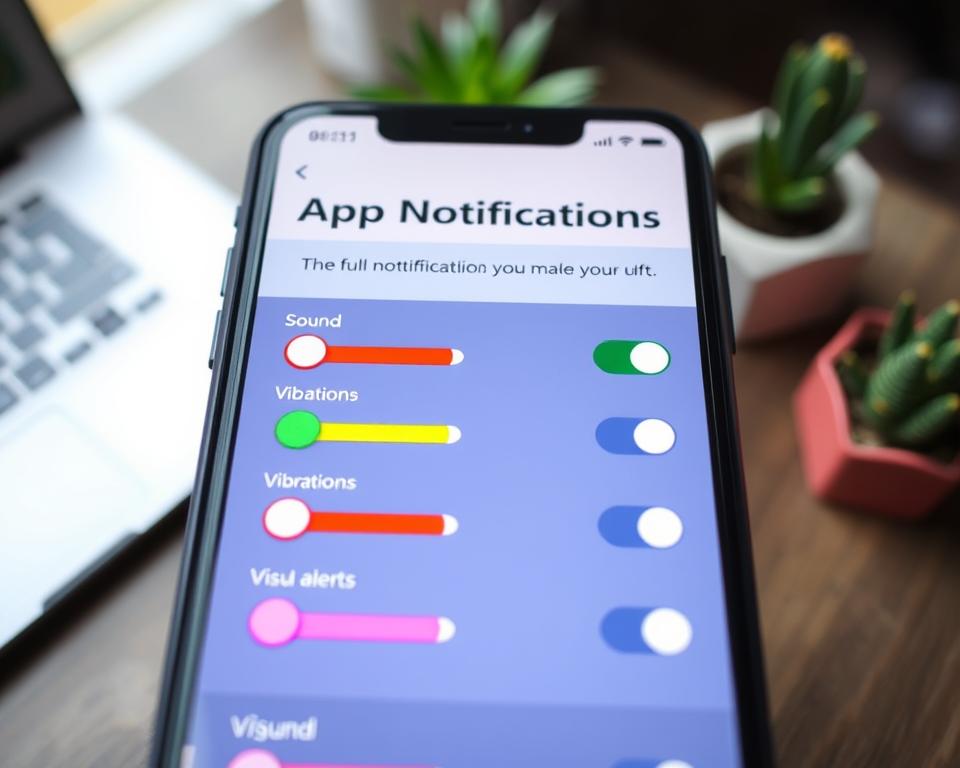
Did you know that getting back to focus takes us about 23 minutes after interruptions? This fact shows the big impact app notifications have on our focus and mental health. In a world full of digital distractions, learning to control app notifications is key to less stress. It helps us tell apart the important alerts from the not-so-important ones. This way, we can lead a calmer and more focused life. In this article, we’ll show you how to adjust your notification settings. This will help you cut down on distractions and improve your day.
Key Takeaways
- Understanding app notification settings can significantly reduce distractions.
- Managing notifications throughout your device improves focus and productivity.
- Customizing app notifications helps in dealing with stress.
- Recognize essential notifications versus unnecessary ones.
- Exploring the notification settings menu is key to effective app management.
Understanding App Notifications and Their Impact
In our digital age, app notifications are key to interacting with mobile apps. They tell us about likes on social media or event updates. Knowing how these alerts work helps us manage our time better.
What Are App Notifications?
App notifications are messages that let us know about new stuff in apps. They’re like little nudges about important info or updates. While they can make apps more fun, too many can feel overwhelming. Finding a good balance is crucial.
The Importance of Customization
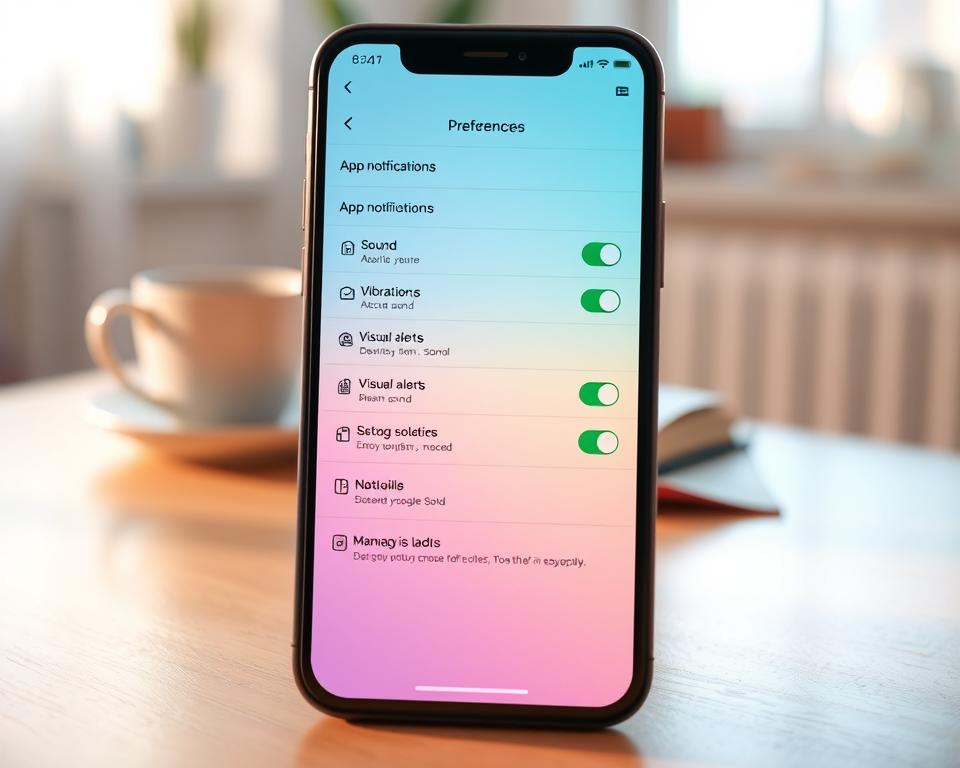
It’s important to tailor app alerts so they help rather than distract. By setting up your preferences, you can avoid unnecessary notifications. This approach cuts down on interruptions, making tech use more intentional. Adjusting your settings means only seeing updates that matter, easing anxiety from too many alerts.
| Type of Notification | Impact on User | Customization Options |
|---|---|---|
| Social Media Alerts | Frequent updates can lead to distraction | Limit notifications to direct messages or mentions |
| Weather Notifications | Useful for planning daily activities | Choose alerts based on severe conditions only |
| Promotional Alerts | Can encourage purchasing but may overwhelm | Opt into updates only for preferred stores |
Common Types of App Notifications
Learning about different app notifications helps you manage your online life better. You’ll see them from social media, messaging, and news apps, each with its own challenges. Understanding these can help you handle them better.
Social Media Alerts
Social media fills our screens with updates about likes, comments, and new friends. All these can distract you a lot. You can fix this by setting your apps to show only the important stuff. This way, you stay focused.
Messaging App Notifications
Messages feel like they need instant replies, causing stress. They interrupt your day too much. You can cut down on this stress. Just mute the chats that aren’t pressing. This helps you stay in touch without the pressure.
News and Weather Updates
News and weather apps give important info, but can make you check your phone a lot. It’s good to stay up-to-date, but too many notifications are annoying. By using controls to lessen these alerts, you can balance being informed with peace of mind.
Positive Effects of Managing Notifications
Managing app notifications well can make your daily life much better. When people adjust their app alerts, they create a calm space. This space helps them concentrate and get more work done. By cutting down on distractions, they can focus on what’s important without being constantly interrupted.
Enhanced Focus and Productivity
Handling app notifications correctly can boost your focus a lot. For example, switching off alerts that aren’t needed helps users dive deep into tasks. This can lead to better work and feeling proud of what you’ve achieved. Being away from digital interruptions also means you can pay more attention to details.
Reduced Stress and Anxiety
Managing notifications can also lower stress. Constantly checking your phone can make you anxious and stop you from enjoying the now. By changing how you get notified, you can take a break from endless updates. This helps you have a healthier tech life and be more there in the moment.
How to Access App Notification Settings
It’s key to know how to get to your app notification settings. They make your phone experience better. Different phones have their own ways to manage this. By learning about your notification settings menu, you can pick what alerts you get. This cuts down on needless interruptions.
Navigating iOS Settings
For iOS device owners, finding notification settings is simple. First, open the Settings app. Then, click on Notifications. This shows all the apps you’ve installed.
You can change how you get alerts for each app. Choose the style of alerts, sounds, and even if you want badge notifications. Making these changes helps you keep focused and manage your device better.
Navigating Android Settings
Android users have it easy too when it comes to notifications. Begin in the Settings app. Look for and tap on Apps & notifications. This shows a list of all your apps.
Clicking on an app lets you change how you get notified. Turn notifications off or tweak how you see and hear them. This means you can make your phone less of a distraction.
Customizing Notifications by App
To get the best from mobile app notifications, it’s key to set them up right for each app. Doing this keeps the alerts useful and not too much. You get to pick which notifications matter most to you.
Managing Social Media Notifications
Social media sites often send too many notifications. It’s smart to tweak these settings to get fewer. Turn off alerts like likes or comments but keep ones for messages and friend requests. This way, you stay involved without too many distractions.
Adjusting Email Alerts
Lots of email notifications can be a hassle. By adjusting settings, you can get emails only from key people or on certain topics. This makes sure you only get important emails without too many interruptions.
Tailoring News App Notifications
News apps can overwhelm you with updates. To keep up without the overload, set notifications to just get breaking news or what interests you. This way, you’re informed but in control of the news you receive.
Setting Do Not Disturb Features
Managing app notifications is tough in today’s world. Using the Do Not Disturb feature gives you control over when you get alerts. It improves focus at work or during relaxation by reducing notification overload.
Activating Do Not Disturb Mode
Most smartphones have a Do Not Disturb mode to silence alerts, except from important contacts or apps. To turn on this feature, go to your device’s settings. Here’s what to do next:
- Open the Settings app.
- Find and select Do Not Disturb.
- Toggle the feature on and customize your options.
This easy step lets you decide which alerts you see. It puts you in control of your app notifications.
Scheduled Quiet Hours
Setting quiet hours can improve how you get notifications. You can pick times for your phone to stay silent. Like turning off alerts during dinner or sleep. Here’s how to set it up:
- Go to the Do Not Disturb section and find Schedule or Set Times.
- Choose the days and hours that work for you.
- Save these settings so they work automatically.
Best Practices for App Notifications
Effectively managing app notifications is crucial in today’s tech-heavy world. By following a few key practices, you can better handle your alerts. This will help you stay focused and keep informed without getting overwhelmed.
Limit Notifications to Essentials
First, think about which notifications you really need. Aim to keep only the alerts that are most important for your day. By cutting down on unnecessary notifications, you make it easier to pay attention to what truly matters. You can then customize alerts to fit what you like.
Use Prioritization Options
Most smartphones have features to prioritize notifications by their importance. Use these tools to tell apart urgent messages from less important ones. This approach not only makes managing your notifications easier but also helps you stay focused among all the digital clutter.
Regularly Review Settings
Your digital needs change over time. So, it’s good to regularly check and adjust your notification settings. By doing this regularly, you make sure your alerts match your current life and duties. Being proactive in this way makes managing app notifications better and helps you maintain a healthy tech balance.
Frequently Asked Questions About App Notifications
Getting tons of app notifications each day can be too much. Learning how to set them right lets you enjoy your apps more. You can choose which alerts you see through the notification settings. This helps keep your digital space calm.
How Can I Stop Getting Annoying Notifications?
To get rid of annoying alerts, open the notification settings on your device. This area lets you fix alerts for each app. Find the app you want to adjust and turn off the alerts you don’t need. You can also fine-tune what kinds of notifications to get, like silent or no banners. This gives you more freedom.
What Happens When I Turn Off Notifications?
Turning off notifications might mean you miss out on updates. But, it usually means less distraction, so you can do more important stuff. If you find you need them later, you can always turn them back on. Getting good at setting your app notifications can make tech more enjoyable and less stressful.
Conclusion: Finding the Right Balance
In today’s world, managing your app notifications is key. Mobile app push notifications have pros and cons. Reflecting on what notifications you need helps focus on what’s important.
Adjusting your notifications isn’t a one-and-done deal. It’s ongoing, changing as your life does. Maybe you’ll cut down social media alerts, or tweak news update frequencies. Regular checks keep your digital space helpful and relevant. This upkeep helps you stay in tune with your tech.
Finding the perfect notification setup makes life less stressful and more productive. By taking the reins, you boost your concentration, ease stress, and save time. This leads to a smoother, happier daily life.




