

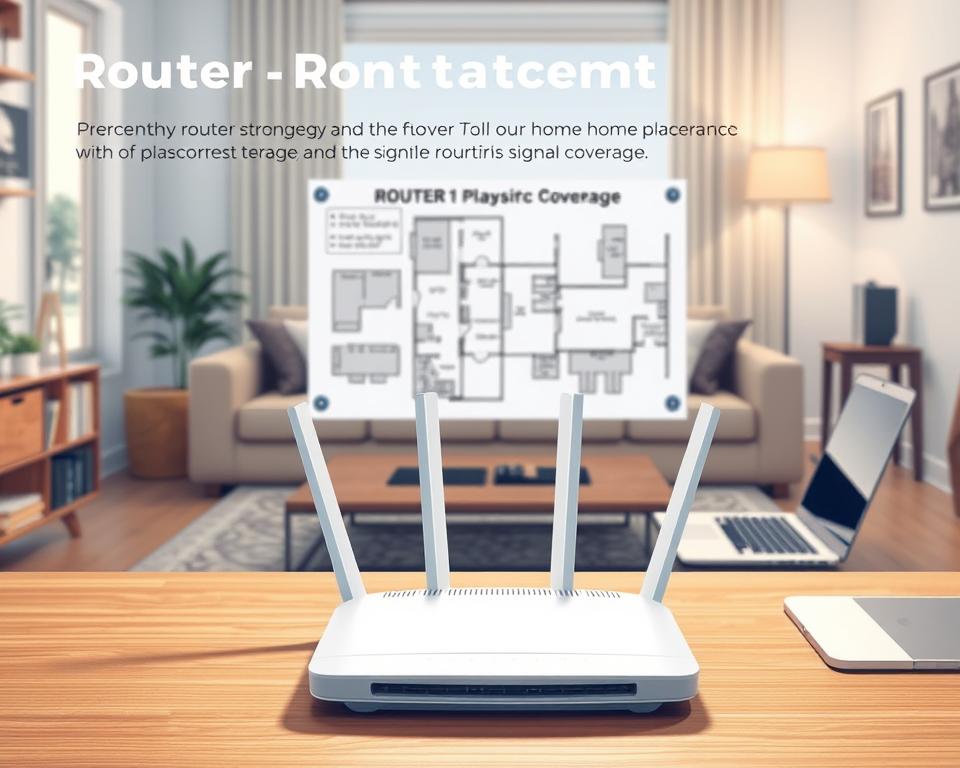
Did you know almost 1 in 3 households have slow internet because of where their router sits? It’s true, placing your router just right is key to better Wi-Fi at home. We’re here to show you how to place your router right and boost your signal. Good placement can make your internet faster and more reliable. This means better browsing, streaming, and gaming. Ready to learn how to get the most from your Wi-Fi? Let’s go!
Key Takeaways
- Optimal router positioning can enhance wireless performance.
- Proper placement helps minimize dead zones in your home.
- The location of your router affects overall internet speed.
- Best practices involve avoiding obstructions and interference.
- A well-placed router can improve connectivity for all your devices.
Understanding Your Wi-Fi Network and Coverage Needs
Knowing how your Wi-Fi network works and its coverage needs is key. Good Wi-Fi coverage lets you browse, stream, and play games smoothly. If the coverage is bad, you might run into troubles that slow down your network. Fixing these issues improves your daily online activities.
The Importance of Wi-Fi Coverage
Good Wi-Fi coverage is vital for your home network’s success. It lets many devices connect at once without slowing down. Poor coverage messes up your online experience, making work or fun times frustrating. Good coverage makes life easier for everyone at home.
Common Signal Issues
Lots of things cause signal problems that people often face. Issues like dead zones may come from placing your router in a bad spot or obstacles like walls. Dead zones interrupt your connection, causing annoyance. Knowing about these issues is crucial for fixing and improving coverage.
Identifying Coverage Zones in Your Home
Finding out where you need better Wi-Fi in your house is important. Walk around with your device to find where the signal is weak. This helps you decide where to put your router or if you need extra gear, like extenders, for better coverage.
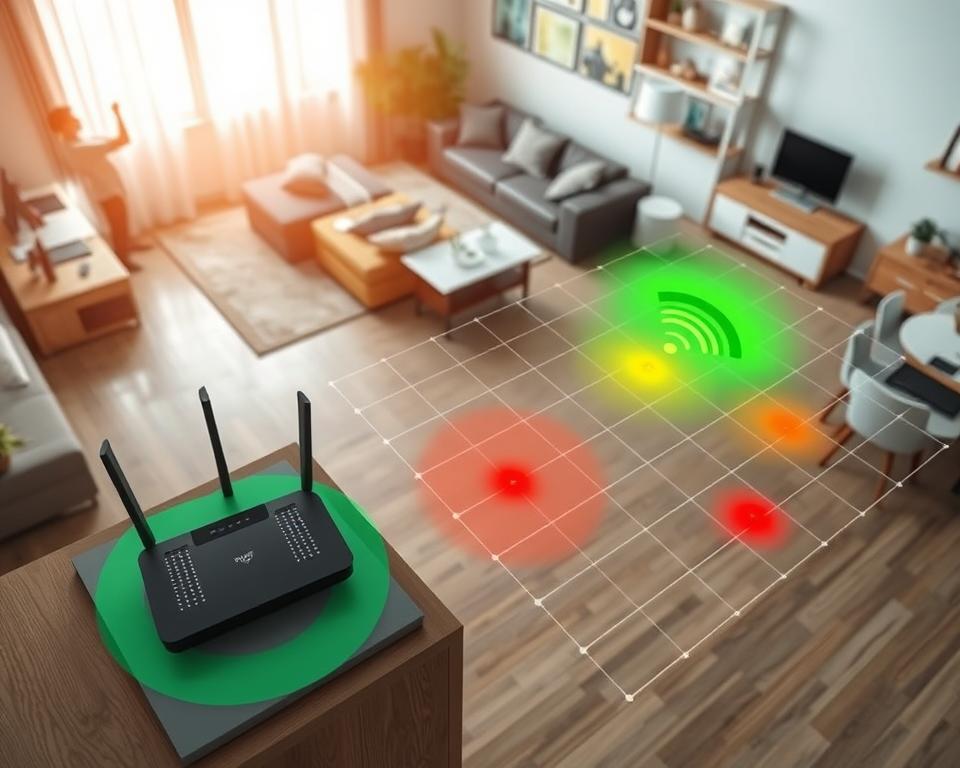
| Coverage Zone | Signal Strength | Recommended Action |
|---|---|---|
| Living Room | Strong | No action needed |
| Kitchen | Moderate | Consider moving router or using extender |
| Bedroom | Weak | Install Wi-Fi extender |
| Home Office | Strong | No action needed |
| Garage | Very Weak | Relocate router or evaluate obstruction |
Ideal Router Placement Tips for Maximum Signal Strength
For better home Wi-Fi, it’s key to know where to place your router. Putting it in the right spot boosts coverage and signal strength. These tips will help you get the strongest connection possible.
Height and Positioning Matters
Putting your router up high can make it work better. When it’s higher, it sends its signal further, improving room-to-room connection. Try placing it on a shelf or mounting it on the wall. The way antennas point—upright—also helps spread the signal better.
Centralizing Your Router Location
Putting your router in the middle of your home is crucial. A central spot means the signal travels less distance to your devices, reducing weak spots. This makes your Wi-Fi more reliable, so you can enjoy being online more.
Avoiding Signal Interference
Wi-Fi can get messed up by other electronics. Keep your router away from gadgets like microwaves and cordless phones, as they interfere with your signal. Also, avoid thick walls and metal objects that block signals. This keeps your Wi-Fi strong and steady.
Factors That Affect Wi-Fi Signal
Knowing what affects WiFi signal is key to a fast, reliable home internet. Various factors can weaken signal strength and quality. It’s important to tackle these for the best performance.
Physical Barriers and Their Impact
Things like walls, floors, and furniture block Wi-Fi signals. Concrete and brick are tougher on signals than drywall or wood. This makes signals weak, causing slow spots or dead zones at home.
Electronic Devices That Cause Interference
Common electronics can mess with your Wi-Fi signal. Microwaves, cordless phones, and Bluetooth gadgets affect Wi-Fi network frequencies. Knowing this lets you move your router to reduce disruptions.
The Role of Home Materials in Signal Quality
The building materials of your home can change Wi-Fi quality. Metal, glass, and mirrors can reflect or soak up signals, making it hard for Wi-Fi to spread. Knowing how materials and your router interact helps you place it better for a stronger connection.
Using Wi-Fi Extenders for Better Coverage
Wi-Fi extenders can make your internet at home much better, especially in spots that don’t get good signal. It’s important to know when to use a Wi-Fi extender. This ensures your network reaches every part of your house. By choosing the right extender, you can get better coverage and make your devices work better. Knowing how to set up and place these extenders helps make your network even better.
When to Consider a Wi-Fi Extender
If your internet is often slow or there are dead spots at home, it’s time to think about Wi-Fi extenders. Signal issues often happen in big or multiple-story homes where the router can’t reach everywhere. If rooms like your home office or basement have weak signal, an extender could be the solution.
Types of Wi-Fi Extenders
There are many Wi-Fi extenders out there, made for different needs:
- Plug-in Extenders: These small devices plug into your wall and work well in smaller areas.
- Desktop Extenders: They are stronger than plug-in extenders and usually give you faster speeds and better signal.
- Powerline Extenders: They use your home’s electrical wiring to send data, perfect for far rooms where other extenders can’t reach.
Setting Up Your Wi-Fi Extender Effectively
There are a few easy steps to setting up Wi-Fi extenders so they work well with your network:
- Put your extender halfway between your router and the spot that needs more coverage.
- Use the instructions from the manufacturer to connect the extender to your Wi-Fi.
- Check the connection in different places to make sure it’s working everywhere.
By smartly setting up and choosing the right Wi-Fi extender, you can greatly improve the coverage of your home network. This makes your online experience smoother and more fun.
Creating a Smart Home Network Environment
To set up a great smart home network, you need good Wi-Fi coverage. This makes sure devices like smart speakers, security cameras, and smart thermostats work well. When these items work without issues, your smart home feels seamless.
Devices That Benefit from Strong Wi-Fi
Many devices in our homes depend on solid Wi-Fi. Let’s look at a few examples:
- Smart speakers, like Amazon Echo or Google Home, need steady Wi-Fi for voice commands.
- Security cameras from brands like Arlo or Ring send live video to your phone.
- Smart thermostats, such as Nest or Ecobee, change your home’s temperature for you.
- Smart light bulbs, like Philips Hue, are controlled remotely and save energy with Wi-Fi.
Managing Smart Home Gadgets for Better Performance
Running smart gadgets well is key in a smart home network. Here’s what to do:
- Put devices in groups based on what they do. This makes it easier to handle them.
- Keep gadget software up to date for better performance and safety.
- Use smartphone apps to control different devices easily in your smart home.
- Set schedules for your devices, like when lights should turn on or off. This adds convenience.
By placing and managing devices smartly, your smart home network can greatly improve. It makes everyday life easier and more connected.
Adjusting Router Settings for Optimal Performance
To get the best from your home network, manage your router settings. Choose the right frequency band. Your router might have 2.4GHz and 5GHz. The first covers more area; the latter is faster. This balance can make your web experience better.
Choosing the Right Frequency Band
Knowing the benefits of each frequency is key. 2.4GHz goes through walls better and reaches farther. But for things like gaming or streaming, 5GHz is best. Pick the band that fits your needs. This will make your devices work better together.
Setting Up Quality of Service (QoS)
Quality of Service (QoS) lets you choose what devices get more speed. This way, important tasks like video calls or gaming get the bandwidth they need. With QoS, your network meets different needs smoothly.
Regular Firmware Updates
Updating your router’s firmware is vital. Updates fix security risks and boost performance. Check for updates regularly. This keeps your router safe and working well. Always install new updates when they’re available.
The Benefits of Mesh Wi-Fi Systems
Having a stable and fast internet at home is more important than ever. Mesh Wi-Fi systems help to make your internet connection better everywhere in your house. They use several devices together to stop dead zones, which are common with old routers. Learning about mesh benefits and setting it up right is key to a better internet at home.
What is a Mesh Wi-Fi System?
A mesh Wi-Fi system spreads the internet over a big area with several linked nodes. It’s different from traditional routers that can’t reach every part of your home. Mesh systems make sure every device gets a strong signal no matter where they are. This means less waiting for pages to load and fewer interruptions when you’re online.
Advantages Over Traditional Routers
- Extended Coverage: Mesh systems reach more space, perfect for big homes.
- Seamless Roaming: You can move around the house and stay connected.
- Easy Management: They come with apps that make network control simple.
- Consistent Speed: You get reliable internet speeds, even with many devices online.
How to Set Up a Mesh Network
Setting up a mesh network is easy. Follow these steps for the best results:
- Choose the right mesh Wi-Fi system for your home size and internet needs.
- Put the main node in the middle of your house for better coverage.
- Add more nodes where you need more internet strength.
- Use the maker’s app to connect and set up your network.
Troubleshooting Common Wi-Fi Issues
Keeping a strong Wi-Fi connection means knowing what can go wrong. By tackling common Wi-Fi problems regularly, you can fix many issues quickly. Learning to spot these problems is key to steady internet use.
Identifying Connection Problems
Various factors can cause connection issues. It’s important to find the main cause. Look out for:
- Frequent disconnections
- Slow internet speeds
- Inability to connect to the network
To start fixing Wi-Fi problems, examine your device settings and network. Make sure no objects block the Wi-Fi signal.
Tips for Improving Signal Strength
Better Wi-Fi signal makes web surfing better. Here are tips to improve signal:
- Move your router to a central spot.
- Keep obstacles away from the router and your devices.
- Use Wi-Fi extenders for better coverage in distant places.
Making these changes can really help your connection. Keep an eye on how well your internet works after adjustments.
When to Contact Your Internet Service Provider
Still having trouble? It might be time to call your ISP. They can figure out issues that aren’t in your hands. They might suggest new equipment or updates to boost your Wi-Fi.
Maintaining Your Wi-Fi Network
Keeping your Wi-Fi network in top shape is key for a great online experience at home. Doing regular check-ups can find issues early, making sure you stay connected. A proactive approach improves security and efficiency.
Regular Check-Ups and Maintenance
Checking your Wi-Fi often helps spot and fix problems quickly. This means looking at signal strength and network congestion. By doing this often, you ensure your network stays reliable without surprises.
Keeping Firmware Updated
It’s crucial to update your router’s software to keep your Wi-Fi safe and fast. Companies like Netgear and TP-Link update their software to fix bugs, improve security, and enhance performance. Keeping up with updates keeps your network safe and efficient.
Understanding When to Upgrade Equipment
At some point, it’s necessary to upgrade your hardware. With more devices and higher data use, old routers may not keep up. Knowing when to get new equipment can make your internet faster and more reliable, ready for what comes next.




