

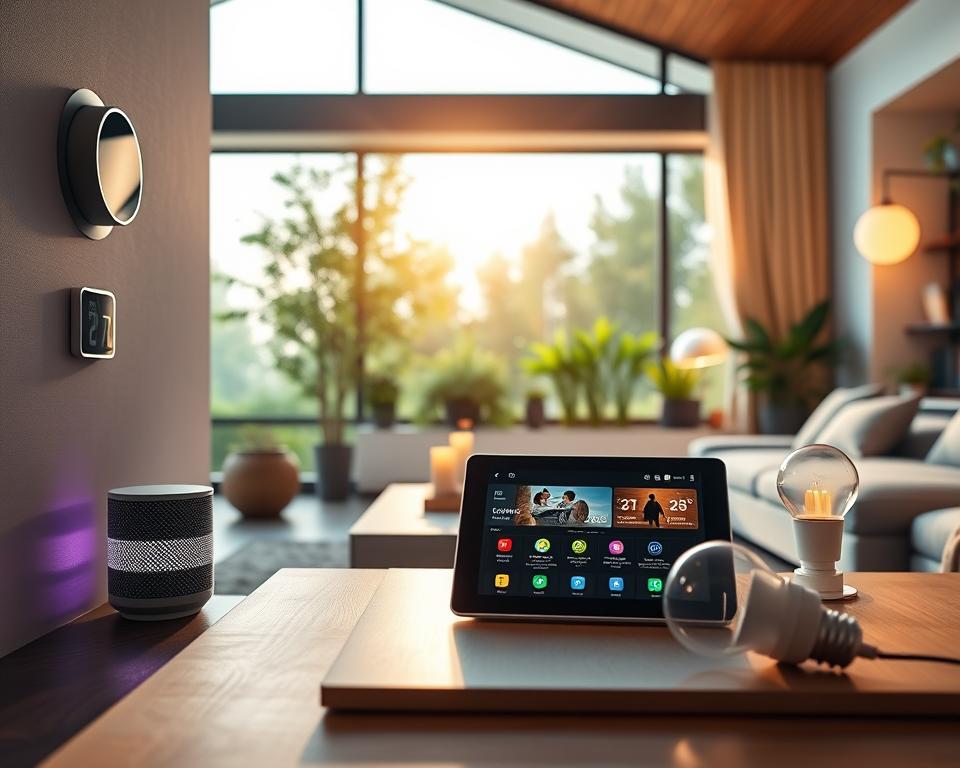
Did you know the smart home market might grow to $182 billion by 2027? This growth shows how essential these devices are becoming. Knowing the basics of smart home devices is not just helpful. It’s becoming a need for a more connected, efficient home.
These devices connect in an Internet of Things (IoT) ecosystem. They make our lives better by doing everyday tasks automatically. Whether you’re a tech expert or new to this, our guide gives insights. It shows how planning and making sure devices work well together can create a home that fits your life.
Key Takeaways
- The smart home technology market is projected to reach $182 billion by 2027.
- Understanding smart home device basics is vital for modern households.
- These devices operate within an IoT ecosystem for seamless integration.
- Automation of everyday tasks enhances convenience and efficiency.
- Compatibility with existing technology is crucial when choosing devices.
What Are Smart Home Devices?
Smart home devices are the newest step forward in home tech. They blend ease and usefulness at home. These gadgets, part of the Internet of Things (IoT), link to the internet. This lets users manage their homes using mobile apps or voice commands.
They gather and share data to improve monitoring and control of home features. This includes security and how much energy you use.
Definition and Functionality
At heart, smart home devices aim to ease daily chores. They do things like automate lights and boost home security. With the right guide, people can find and pick what works best for them. Knowing how these devices work lets users build a smarter, more efficient home.
Types of Smart Home Devices
Smart home devices come in many kinds, each fitting different needs and wants. Here’s a look at some popular ones:
- Smart Security Cameras: Watch over your home from afar, getting live feeds and alerts.
- Smart Locks: They boost security with keyless entry and the ability to lock doors remotely.
- Smart Light Bulbs: These let you adjust lights remotely, change dimness, and colors.
- Smart Thermostats: They help control heating and cooling, saving energy and money.
- Smart Appliances: Devices like fridges and ovens that you can control through an app.
Benefits of Smart Home Devices
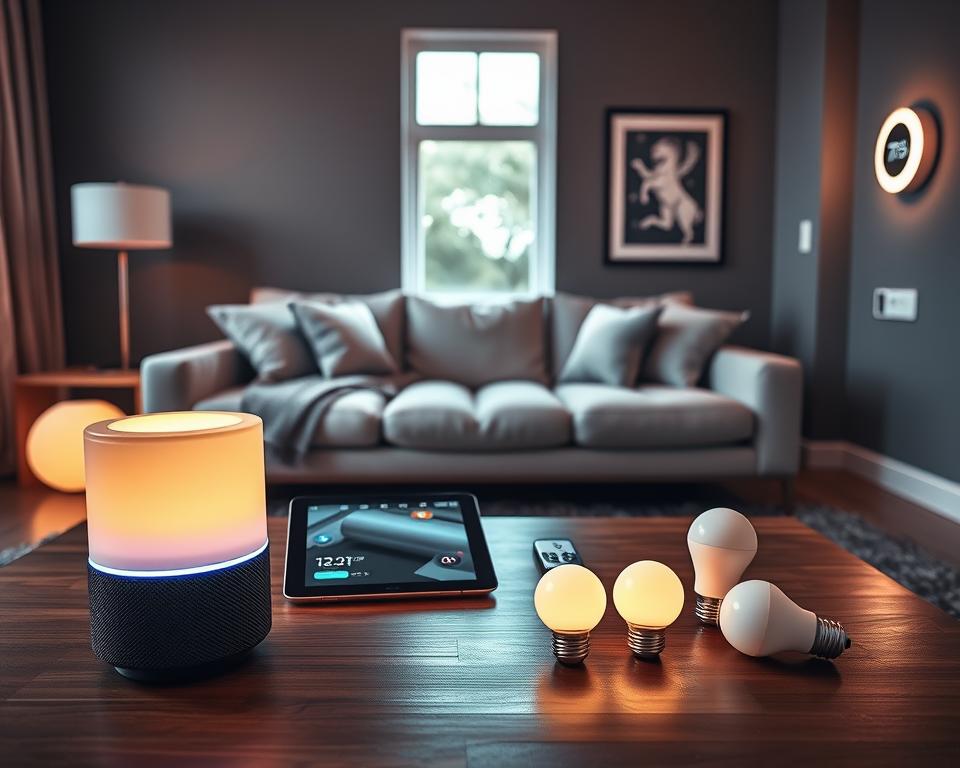
Smart home devices add a lot of pluses to daily life with new tech. People find great comfort in controlling their homes from afar using phones or tablets. They can easily manage lights and heat, making life simpler.
With these gadgets, your house changes to suit your likes, boosting comfort. This makes living in a smart home a smooth experience.
Convenience and Automation
Smart gadgets automate everyday chores with no hassle. Picture this: you come home, and the lights welcome you, with the temperature just right. These perks save time and offer comfort. They let you handle security and devices easily, putting control in your hands.
Energy Efficiency
Smart devices make homes more energy-smart. Products like Nest thermostats help you keep an eye on energy use. They learn from you and cut down on energy costs. These systems also let you monitor power and water from afar, helping you save money and the planet.
Popular Smart Home Devices to Consider
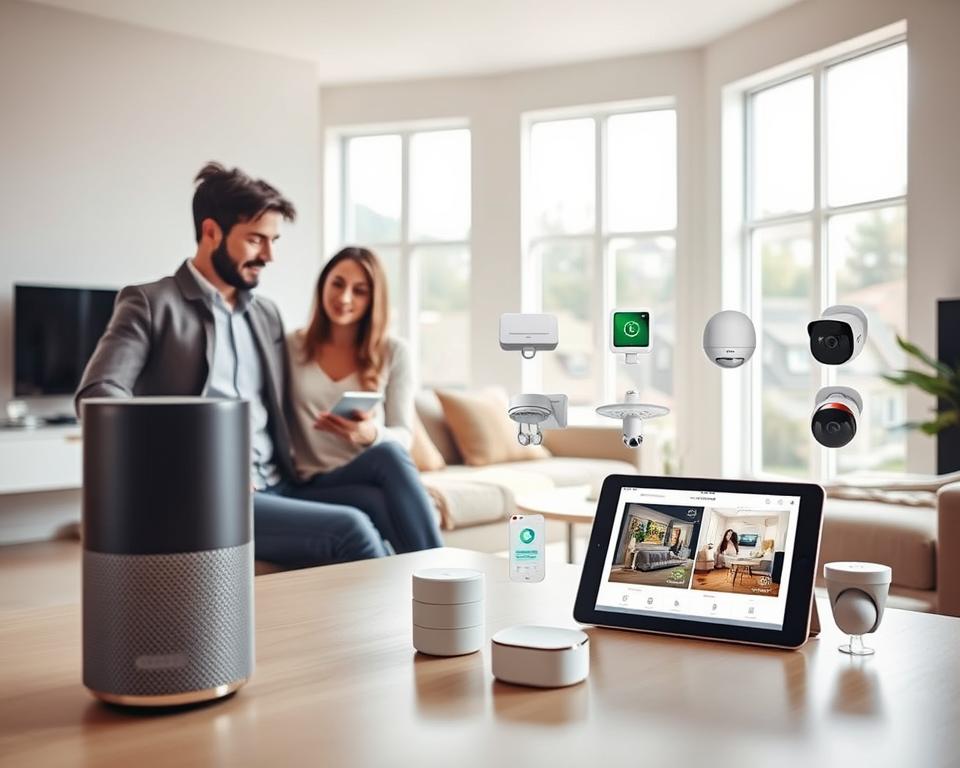
Smart home technology is improving, highlighting several devices for their helpful features. These gadgets make daily tasks easier, improve comfort, and save energy. They are perfect for any smart home. Here are some important devices to think about.
Smart Speakers
Smart speakers, like Google Nest and Amazon Echo, act as the main control for other smart devices. They let users use voice commands to control their smart homes, simplifying tasks. Whether you want to play music, check the weather, or change the thermostat, smart speakers do it all.
Smart Thermostats
Smart thermostats, such as the Ecobee and Nest, offer smart ways to control your home’s climate. They learn your habits and adjust heating and cooling to suit your needs, saving energy. Plus, you can change settings remotely using a smartphone app.
Smart Lights
Smart lights, like Philips Hue and LIFX, let you change brightness and color to set the mood. These gadgets not only look good but also help save energy through automation. You can set them to turn on or off at certain times or control them from afar, adding convenience.
How to Choose the Right Devices
Choosing the right devices for your smart home is all about knowing your needs. This smart home devices guide shows the importance of thinking it through before jumping in. Here are key pointers for picking the best smart devices and making sure they all work well together.
Assessing Your Needs
Think about what tasks you want to make easier before buying any devices. Maybe you want better security, to save on energy, or just add convenience. Setting your goals helps focus your search. Ask yourself:
- What parts of your home could use some smart help?
- Which chores do you wish you could skip or speed up?
- Do you want gadgets you can talk to or control from afar?
Compatibility Considerations
Picking devices that get along with what you already have is key. Choose gadgets that fit with your favorite platform, like Google Home, Amazon Alexa, or Apple HomeKit. Good communication between devices makes everything run smoother. Look at:
| Device Type | Compatible Ecosystem | Examples |
|---|---|---|
| Smart Speakers | Amazon Alexa | Amazon Echo, Echo Dot |
| Smart Thermostats | Google Home | Nest Learning Thermostat |
| Smart Lights | Apple HomeKit | Philips Hue, LIFX |
Always check that new devices will fit right in with those you already own. Doing this homework beforehand saves trouble later, leading to a smoothly connected home that does exactly what you need.
Setting Up Your Smart Home System
Making your home smart needs careful planning. Get familiar with the setup steps to make it fun and smooth. By getting your space ready and knowing the tools you’ll need, you can build a smart system that fits your life perfectly.
Basic Setup Steps
To start with your smart home, you need to follow some important steps:
- Secure a Stable Wi-Fi Connection: Make sure your Wi-Fi is strong all over your house. A good internet connection lets your devices talk to each other without issues.
- Download Necessary Apps: You’ll need specific apps to set up and manage your devices. Go to your app store and get the apps for your gadgets.
- Connect Devices: Use the app instructions to connect your devices to your Wi-Fi. This ensures all parts of your smart home work together well.
- Test the Setup: Once everything is connected, test it to make sure all devices work right and can connect within your smart home system.
Common Installation Tools
Having the right tools makes setting up your smart home easier. Here’s what you’ll probably need:
| Tool | Use |
|---|---|
| Smartphone | For downloading apps and managing devices |
| Wi-Fi Network | Connects all your smart devices |
| Power Drill | Needed for mounting certain devices |
| Screwdriver Set | Important for putting together and securing hardware |
| Measuring Tape | Helps place devices exactly right |
Now that you know the steps and tools, you’re ready to start building your smart home. Have fun turning your living area into a smart, connected place!
Security Concerns with Smart Devices
Smart home devices are more popular than ever. It’s important to understand how they affect security. They can be entry points for cyber threats. Keeping your smart home safe is key to protect your network and keep your data private.
Protecting Your Network
To keep your smart home secure, take steps to protect your network. Always use unique and complex passwords for all devices. You could also set up a separate network just for them. This helps keep sensitive info safe. Updating your devices often adds another layer of safety.
Data Privacy Tips
It’s vital to keep your data safe when using smart home tech. Always read the privacy policies of the devices you use. This helps you understand how your data is used. Use multi-factor authentication if you can. It makes it harder for hackers to get in. Following these steps will help protect your personal info.
Integrating Devices into Your Home
Connecting smart home devices boosts their functions and creates a smooth experience. With smart integration, control everything from one place. This lets different devices talk to each other and makes managing your home easier.
Voice Control Options
Voice control is a top feature of smart home integration. Assistants like Amazon Alexa, Google Assistant, and Apple’s Siri let you control gadgets without using your hands. You can change the thermostat or dim lights just by speaking. This feature simplifies daily tasks by controlling many devices with voice commands.
Smart Hubs and Centralized Control
Smart hubs are key for controlling many devices together. They connect devices of all brands in one platform. This leads to better coordination and actions throughout your house. For example, your lights can turn on when your smart lock senses you’re home. Such integration improves home automation, security, and saves energy. The move towards central control makes using technology at home more straightforward.
Troubleshooting Common Issues
Troubleshooting smart devices covers many common problems you might face at home. Knowing how to fix these issues can make things easier for you. This part will go over frequent connectivity issues and device problems you might run into.
Connectivity Problems
Connectivity issues are very common with smart devices. First, make sure your devices are close enough to catch the Wi-Fi. If not, moving your router closer or using a Wi-Fi extender might help. You can also try resetting your connection settings or updating the device’s firmware. Sometimes, just turning the device off and then back on fixes the problem.
Device Malfunctions
Fixing a malfunctioning device can be tricky. Begin by doing a factory reset to remove software issues. Then, check if there is any physical damage to the device, which might need parts replaced. Looking up the user manual or online guides for your device can also be helpful. Knowing these steps can help you fix many problems on your own.
The Future of Smart Home Technology
Smart home technology is getting better every day. Understanding the latest trends is important. New tech aims to improve comfort, efficiency, and security in our homes. We are moving towards a future where devices work better together, thanks to innovation.
Trends in Smart Home Devices
There are many exciting trends in smart home devices:
- AI Integration: More devices now use artificial intelligence. They learn what you like and adjust on their own.
- Increased Interoperability: Different smart products are made to work well together. This makes it easier for users to control them.
- Energy Management: There are better tools for using less energy. This means lower bills and helping the planet.
Emerging Innovations
New innovations in smart homes are changing how we live:
- Enhanced Security Features: There are new security systems. They not only watch over your home but can also stop break-ins before they happen.
- Adaptive Automation Systems: Devices that change based on what you do make smart homes more personal. This adds to convenience and comfort.
- Health Monitoring: There’s more tech aimed at keeping you healthy. It comes with features to track how you’re doing health-wise.
Creating a Smart Home That Works for You
Designing a smart home can make your life better by using technology in a way that suits you. Think about your daily habits, like changing the thermostat when you get home or setting lights to dim for your favorite show. This lets you weave technology into your home smoothly, making it feel like part of your everyday space.
Personalizing Your Setup
Your smart home should mirror what you like and how you live. Start by choosing what parts of your life you want smart devices to make easier or better. Look at what brands like Philips Hue offer for lighting or Ecobee for thermostats to match your taste. Adjusting lights or boosting security can make your home not just smarter, but more you.
Tips for Maintaining Your Devices
After setting up your smart home, keeping devices in top shape is key. It’s important to update software regularly to keep things secure and running well. Also, know how to fix small problems yourself to keep everything working smoothly. Taking care of your devices keeps your smart home efficient and enjoyable.




